
Lean Coffee
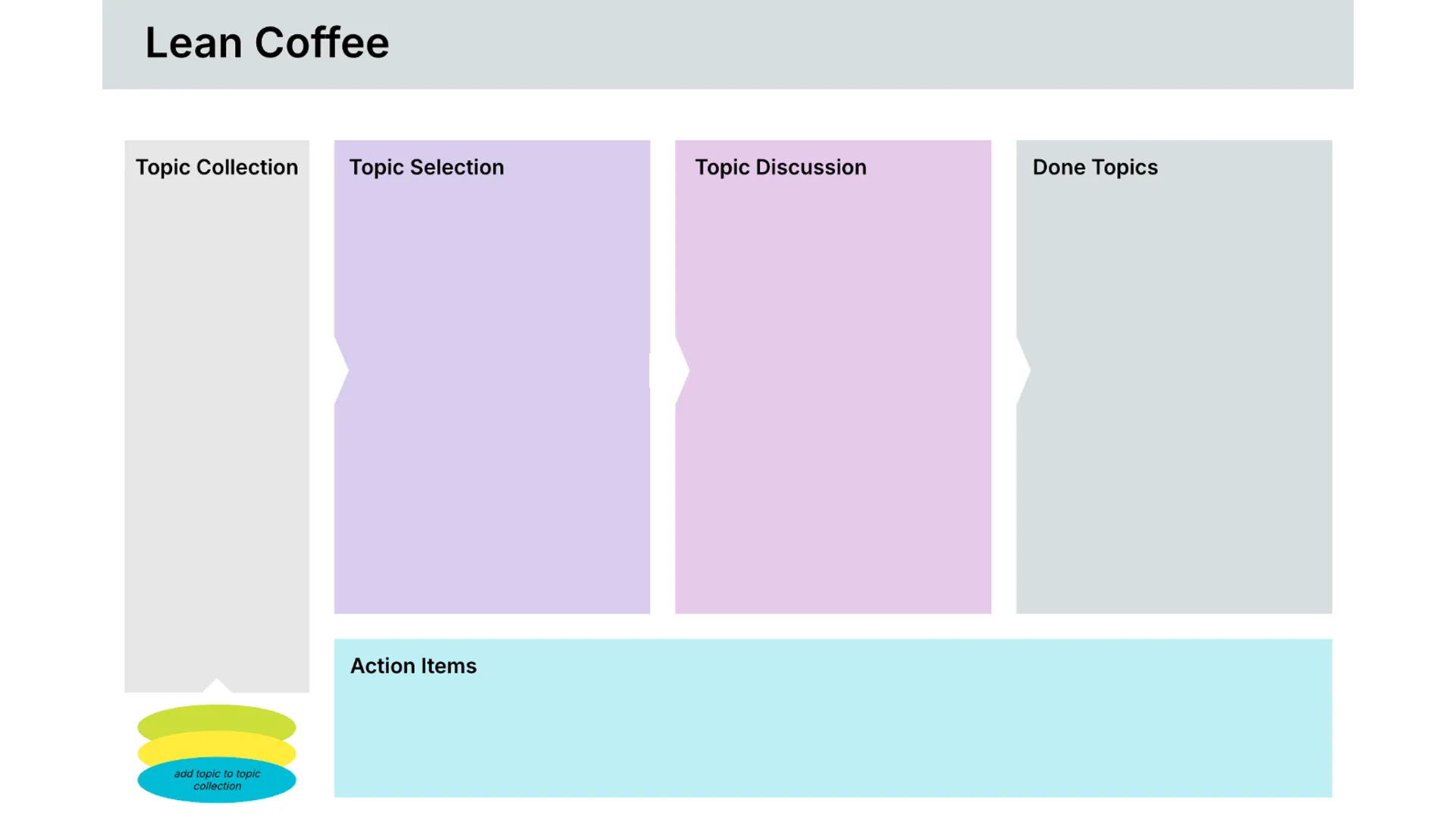
Agenda-free meeting format: participants collect topics, vote and discuss them in short timeboxes.
Method description
At a glance
- Columns for collecting, selecting, discussing and closing topics
- Area for action items
- Topic card stack ready to use
🚀 Lean Coffee: How it works in 4 steps
🎯 Purpose: A meeting without a fixed agenda. The group decides what matters most.
1. Collect topics (3–5 min)
- Action: Everyone writes topic ideas on cards (add topic to topic collection).
- Rule: One topic per card. Short and clear.
- Goal: All cards in “Topic Collection”.
2. Prioritise with dot voting (3 min)
- Action: Everyone gets a fixed number of votes (e.g. 3 dots).
- Rule: Votes can be distributed freely, even all on one topic.
- Goal: Sort the top cards into “Topic Selection”. This is your agenda.
3. Discuss with timeboxing (core phase)
- Action: Move the top topic to “Topic Discussion” and start a 5-minute timer.
- The pitch: The topic owner explains it in 30–60 seconds, then everyone joins in.
4. Extend or close (Roman vote)
When time is up, the group votes by hand signal:
- 👍 Thumbs up: Still hot. Extend by 2–3 minutes (once per topic).
- 👎 Thumbs down: Done. Move the card to “Done Topics”, start the next one.
- ✊ Sideways: Don’t mind / abstain.
Note follow-ups in “Action Items”.
🛠️ Your role as facilitator
- Timekeeper: Keep the timer visible and stop consistently.
- Visualiser: Move cards in sync with the conversation.
- Focus keeper: Gently bring the group back to the card’s topic.
Three steps to your board
Download
Save the template's .nwb file to your computer.
Import
Open a board in NeoBoard, choose "Import" and confirm the "Import content" dialog.
Get started
Adapt the template and work on it together – in real time or asynchronously.
Related templates
1-2-4-All
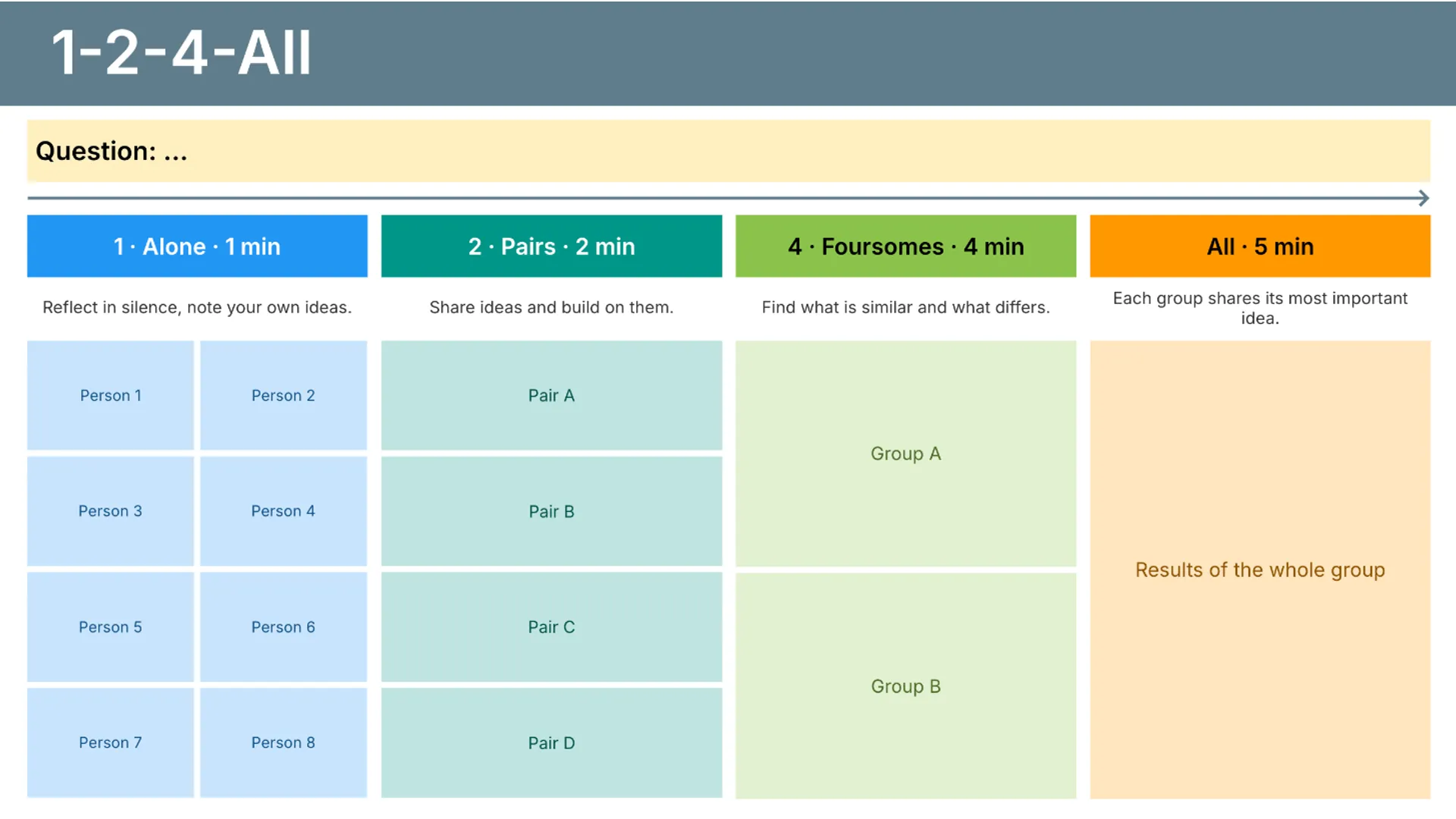
From silent individual work via pairs and foursomes to the whole group, with work areas for each stage.
Check-in: Stimmungsskalen
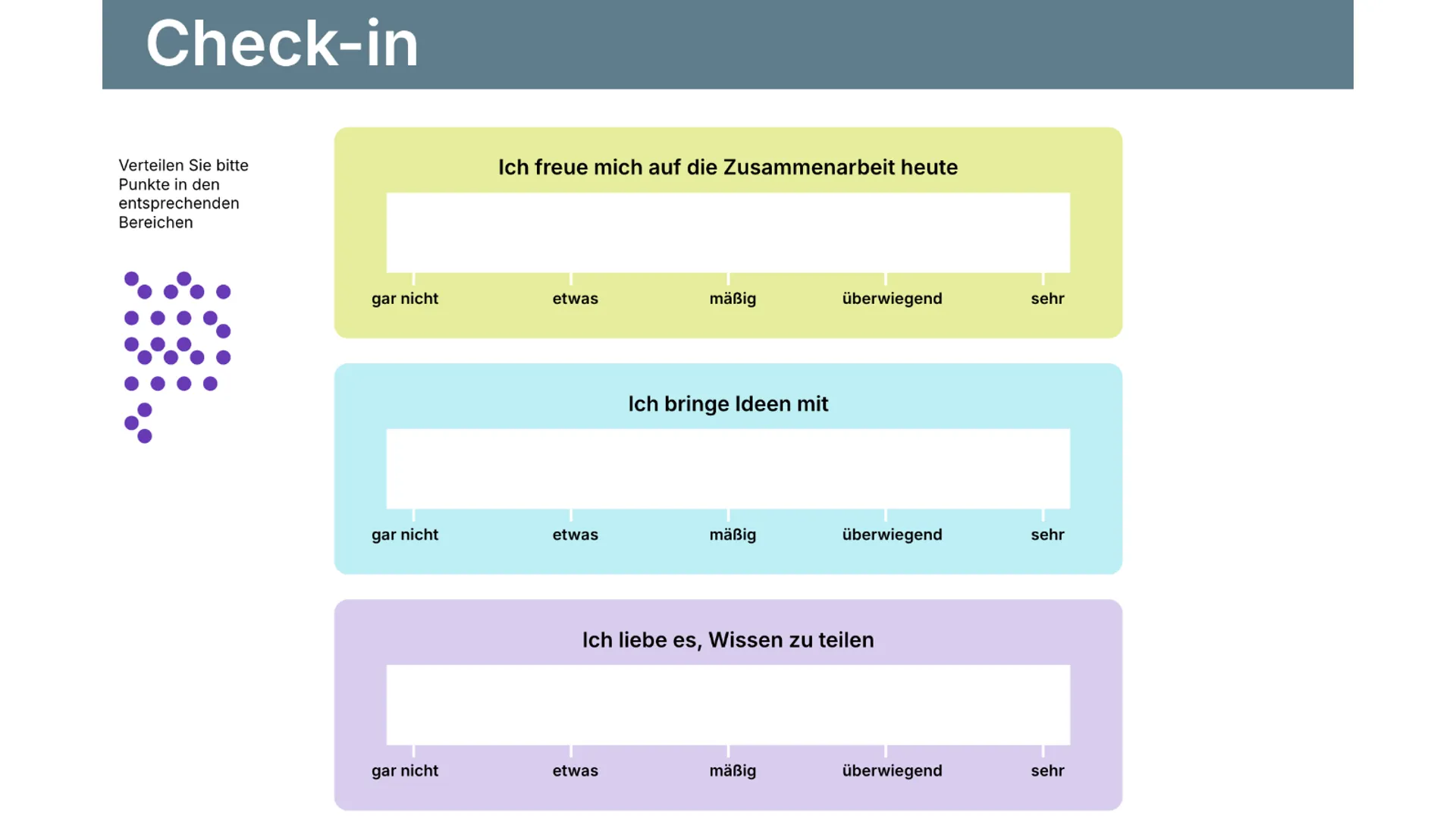
Schneller Einstieg: Teilnehmende verorten sich mit Punkten auf drei Aussagen von „gar nicht" bis „sehr".
Check-in: Weather Report
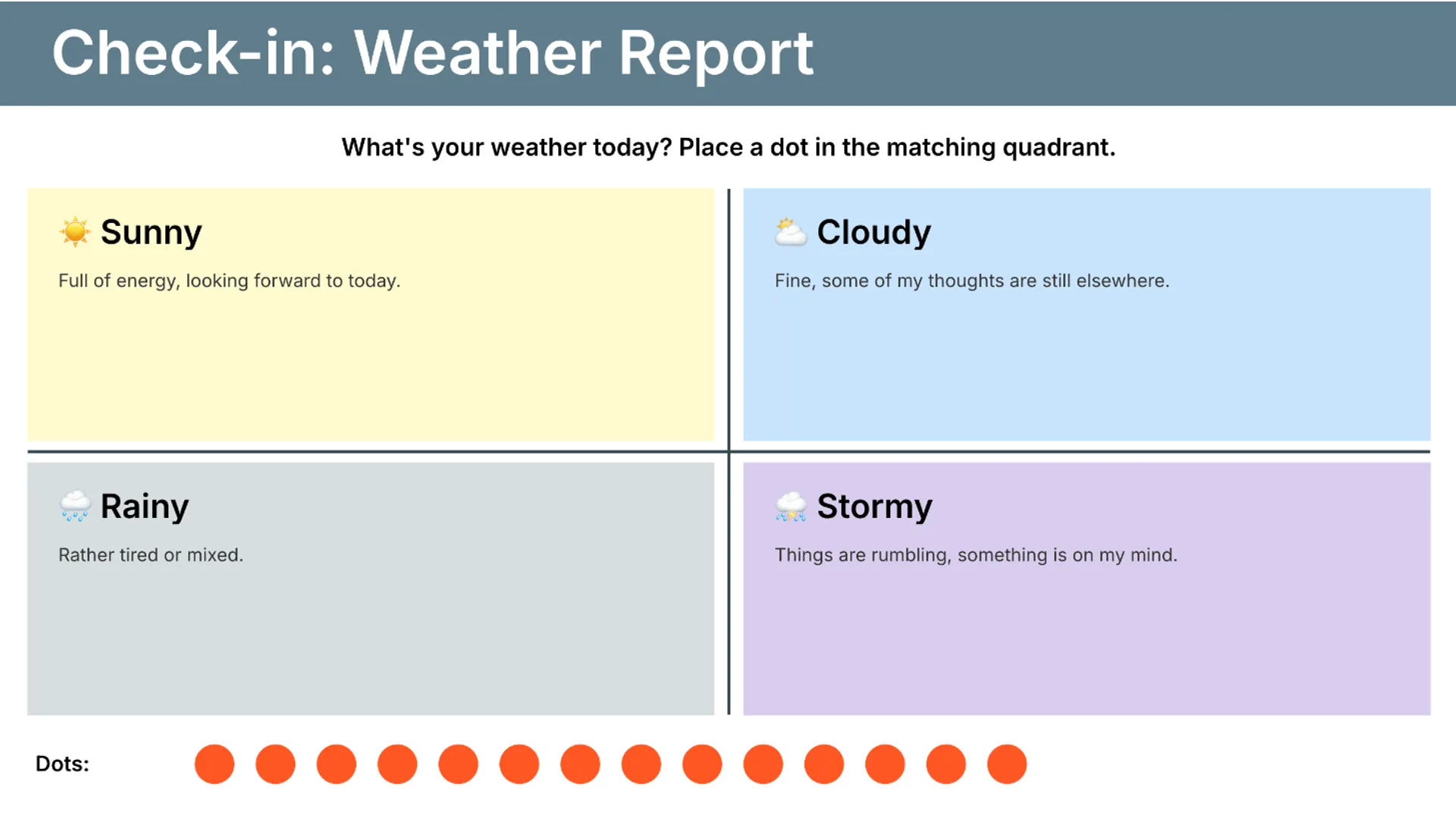
Check-in with four kinds of weather from sunny to stormy: everyone places a dot in their quadrant.
Want to share your own template?
Submit your board so others can use it.