
Workshops & Facilitation
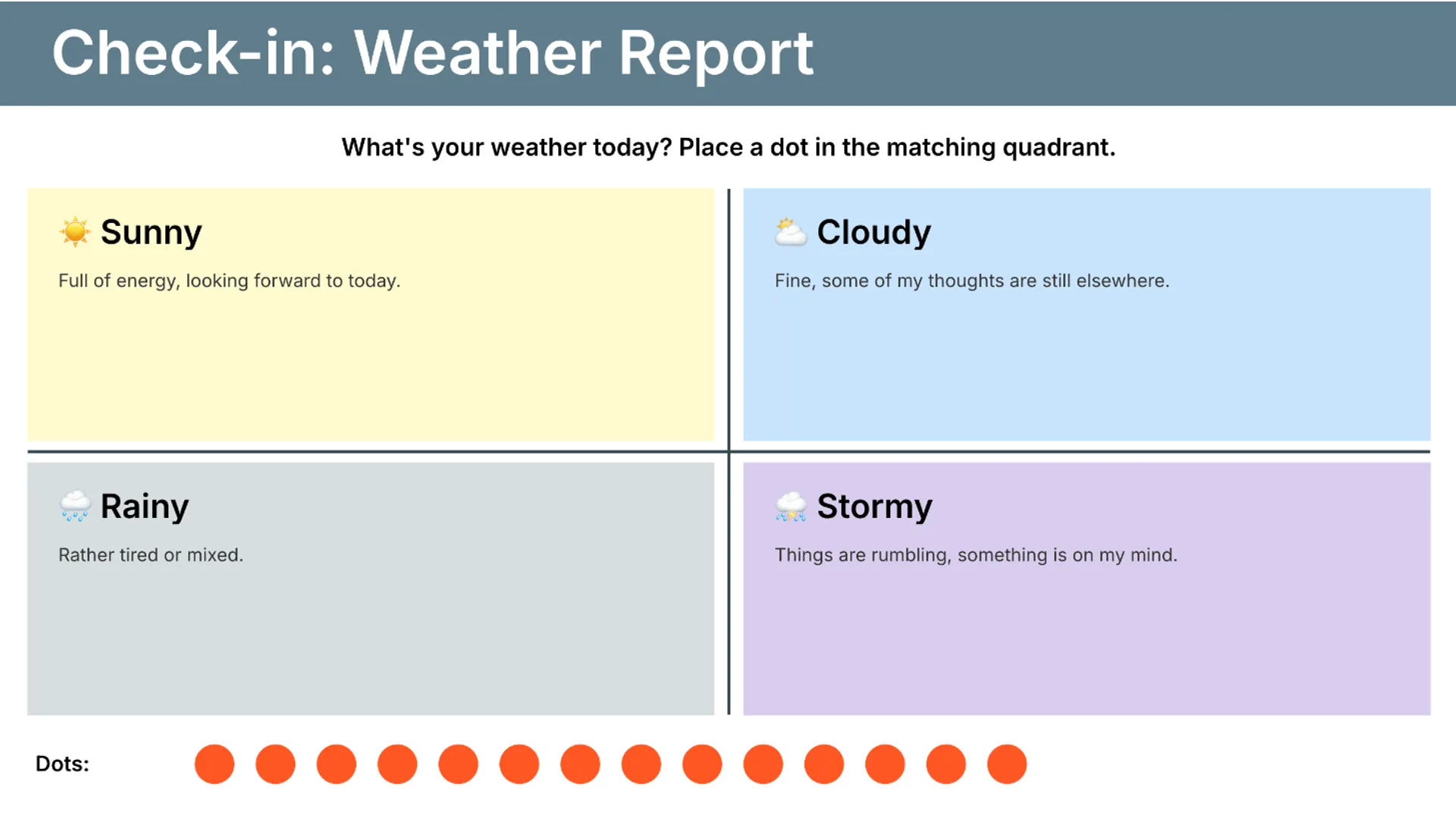
Check-in: Weather Report
Check-in with four kinds of weather from sunny to stormy: everyone places a dot in their quadrant.
Method
Method description
At a glance
- Four quadrants from sunny to stormy
- Prepared dots to drag
- Done in a few minutes
🚀 Weather report check-in: How it works in 3 steps
🎯 Purpose: Arrive and see at a glance what mood the group starts in.
1. Ask the question (1 min)
- Action: Read the question aloud and briefly explain the four kinds of weather.
2. Place dots (1–2 min)
- Action: Everyone drags one dot into the quadrant that best describes how they are.
- Rule: Be honest and spontaneous. There is no wrong weather.
3. Acknowledge (2–5 min)
- Action: Describe the overall picture. Anyone who wants to says one sentence about their weather.
- Tip: Lots of clouds or storms? Plan breaks or ask what would help.
🛠️ Your role as facilitator
- Host: Lead by example and place your dot first.
- Safe space: Nobody has to explain their weather.
Import
Three steps to your board
Download
Save the template's .nwb file to your computer.
Import
Open a board in NeoBoard, choose "Import" and confirm the "Import content" dialog.
Get started
Adapt the template and work on it together – in real time or asynchronously.
Related templates
Workshops & Facilitation
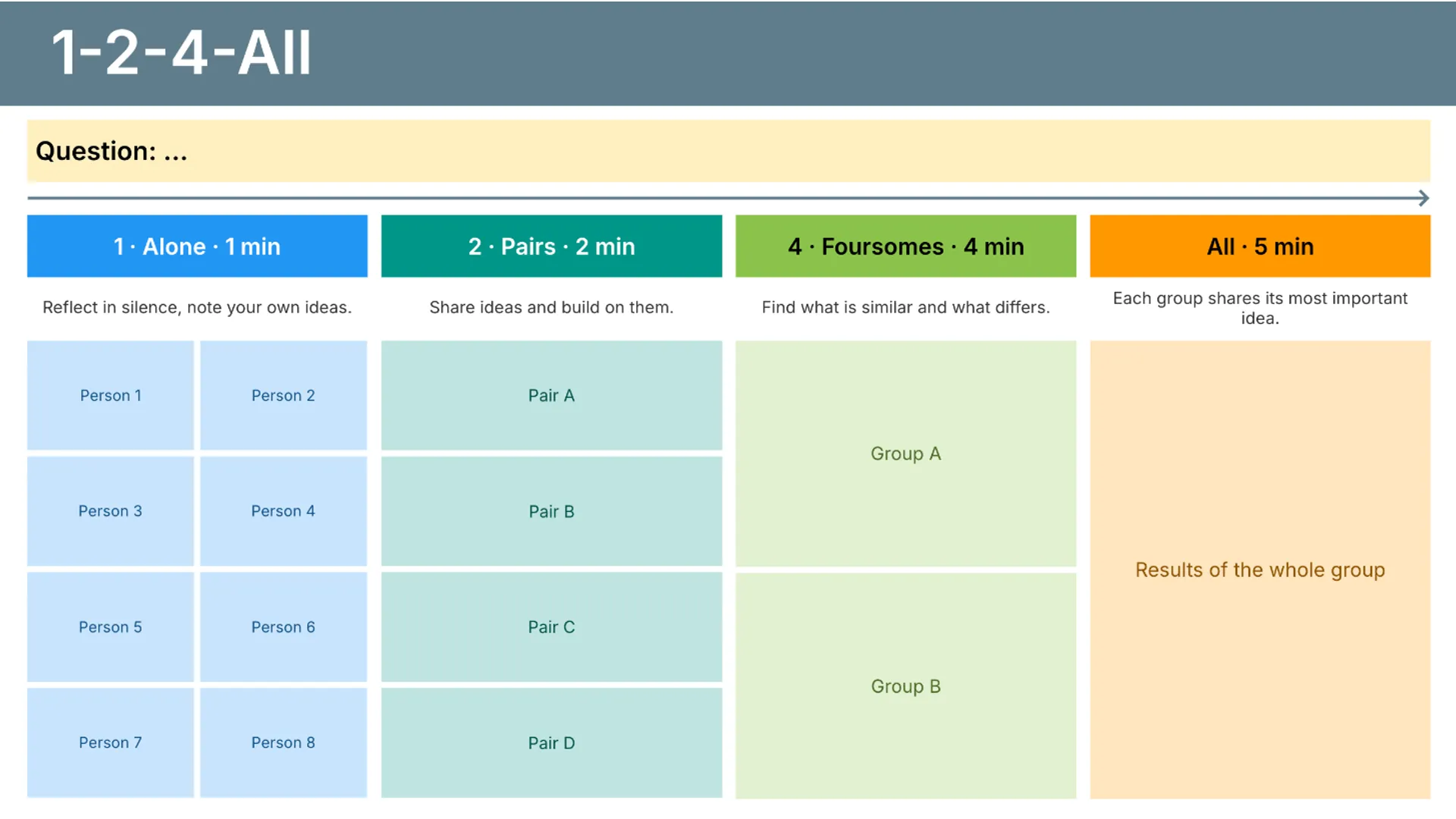
1-2-4-All
From silent individual work via pairs and foursomes to the whole group, with work areas for each stage.
Workshops & Facilitation
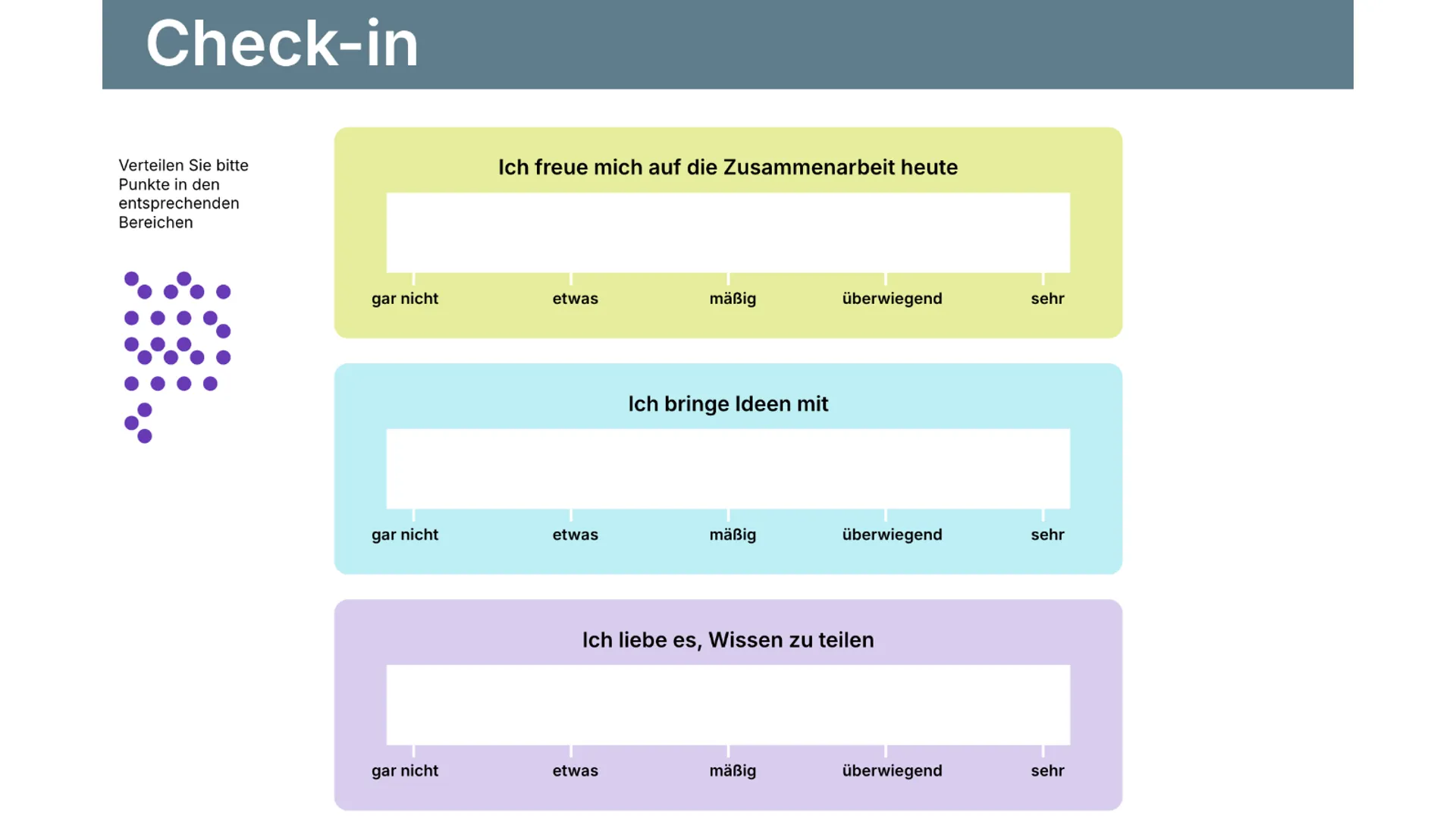
Check-in: Stimmungsskalen
Schneller Einstieg: Teilnehmende verorten sich mit Punkten auf drei Aussagen von „gar nicht" bis „sehr".
Workshops & Facilitation
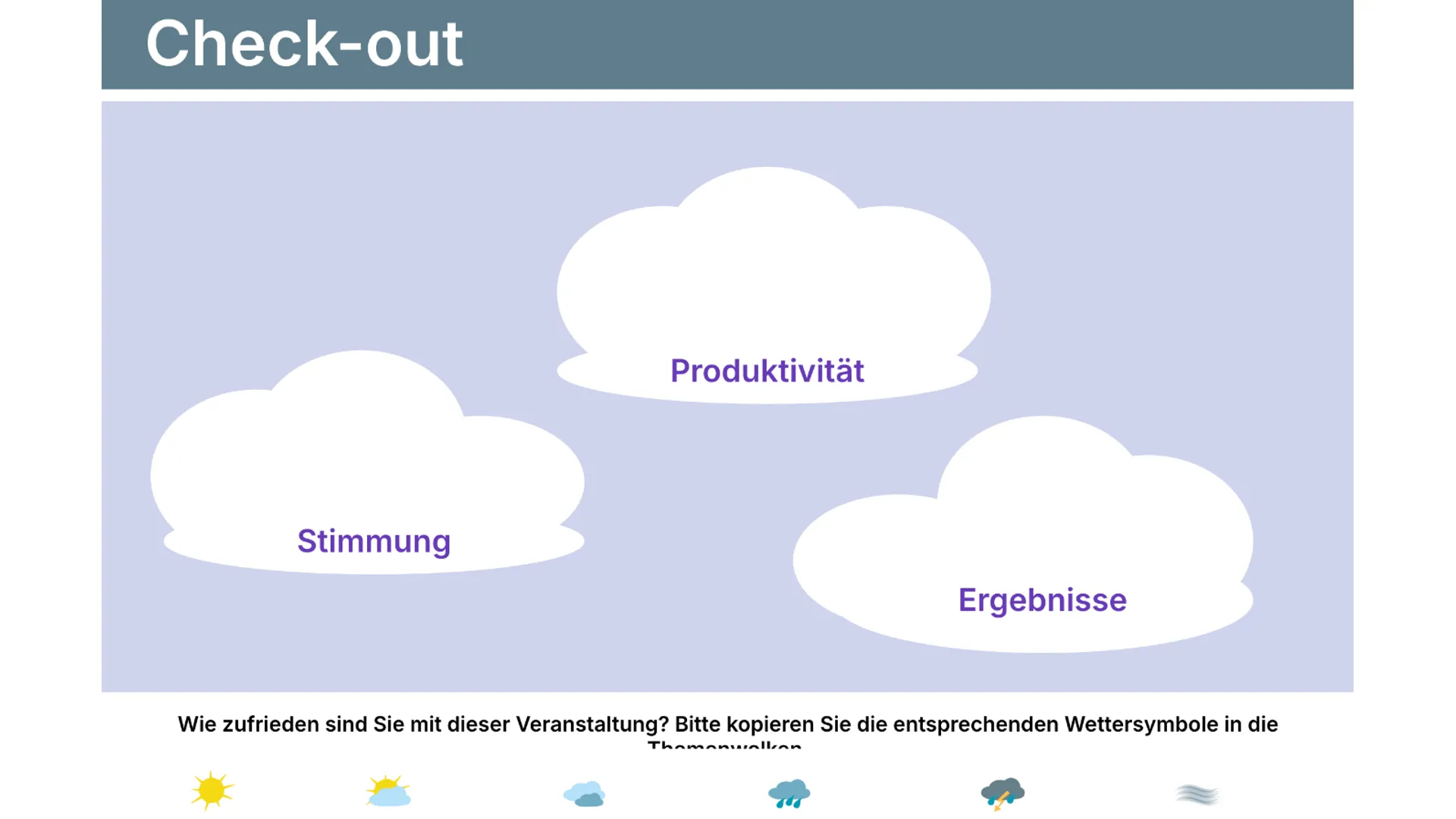
Check-out: Stimmungswetter
Abschluss mit Wettersymbolen: Teilnehmende bewerten Produktivität, Stimmung und Ergebnisse.
Want to share your own template?
Submit your board so others can use it.