
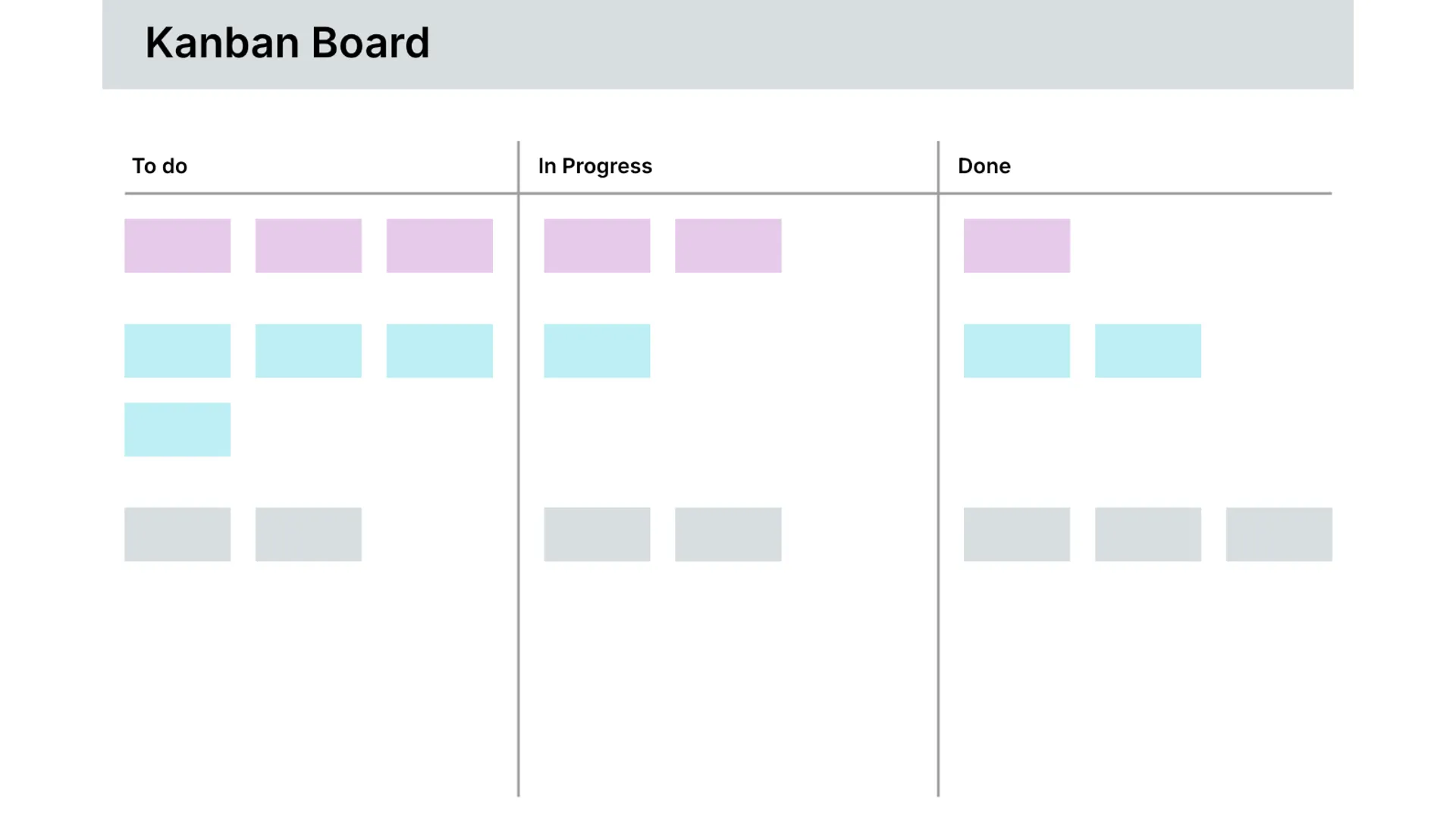
Kanban Board
Classic Kanban board with To do, In Progress and Done to visualise work and keep the flow moving.
Method description
At a glance
- Three columns: To do, In Progress, Done
- Colour-coded card rows for work types
- Ready for daily stand-ups
🚀 Kanban Board: How it works in 4 steps
🎯 Purpose: Make work visible, limit work in progress and keep tasks flowing to Done.
1. Fill the backlog (10 min)
- Action: Write every task on its own card and place it in “To do”.
- Rule: One task per card, phrased as an action (“Update price list”).
2. Agree on colours and limits (5 min)
- Action: Assign each card colour a meaning (e.g. feature, bug, admin).
- Rule: Set a maximum number of cards for “In Progress” (e.g. 3 per person).
3. Pull work (ongoing)
- Action: Whoever starts a task moves the card to “In Progress” and adds their name.
- Rule: Only pull new work when the limit allows it.
4. Finish and review (weekly)
- Action: Move finished cards to “Done” and look at what got stuck and why.
- Goal: Learn where the flow slows down.
🛠️ Your role as facilitator
- Flow keeper: In short stand-ups, walk the board from right to left: what is almost done?
- Limit guard: Point out when “In Progress” overflows.
- Housekeeper: Archive old “Done” cards regularly.
Three steps to your board
Download
Save the template's .nwb file to your computer.
Import
Open a board in NeoBoard, choose "Import" and confirm the "Import content" dialog.
Get started
Adapt the template and work on it together – in real time or asynchronously.
Related templates
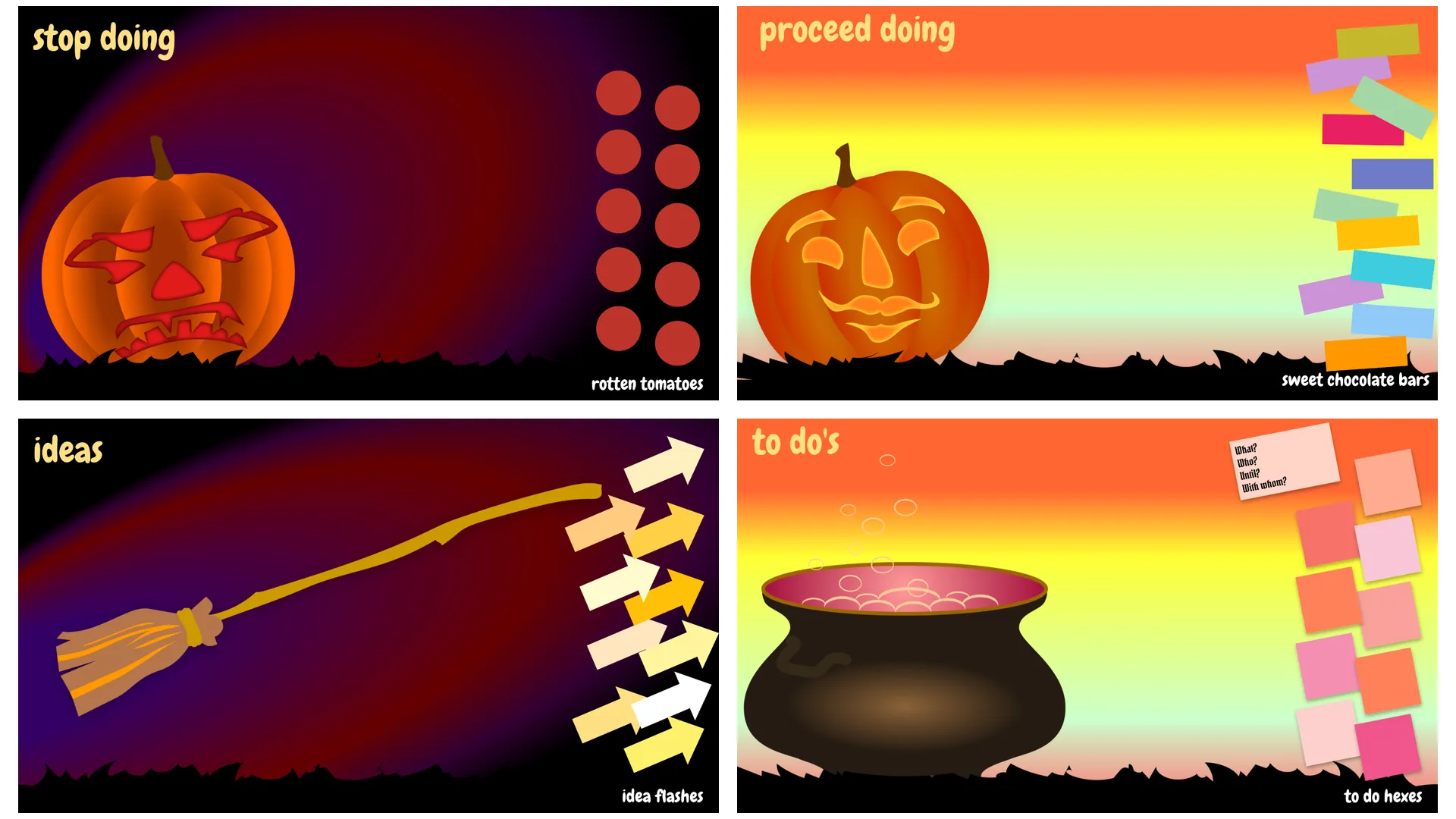
Halloween Retro
A spooky retrospective in four screens: rotten tomatoes for the grumpy pumpkin, sweet chocolate bars for the happy one, ideas flying off the witch’s broom and to-dos brewed in the cauldron.
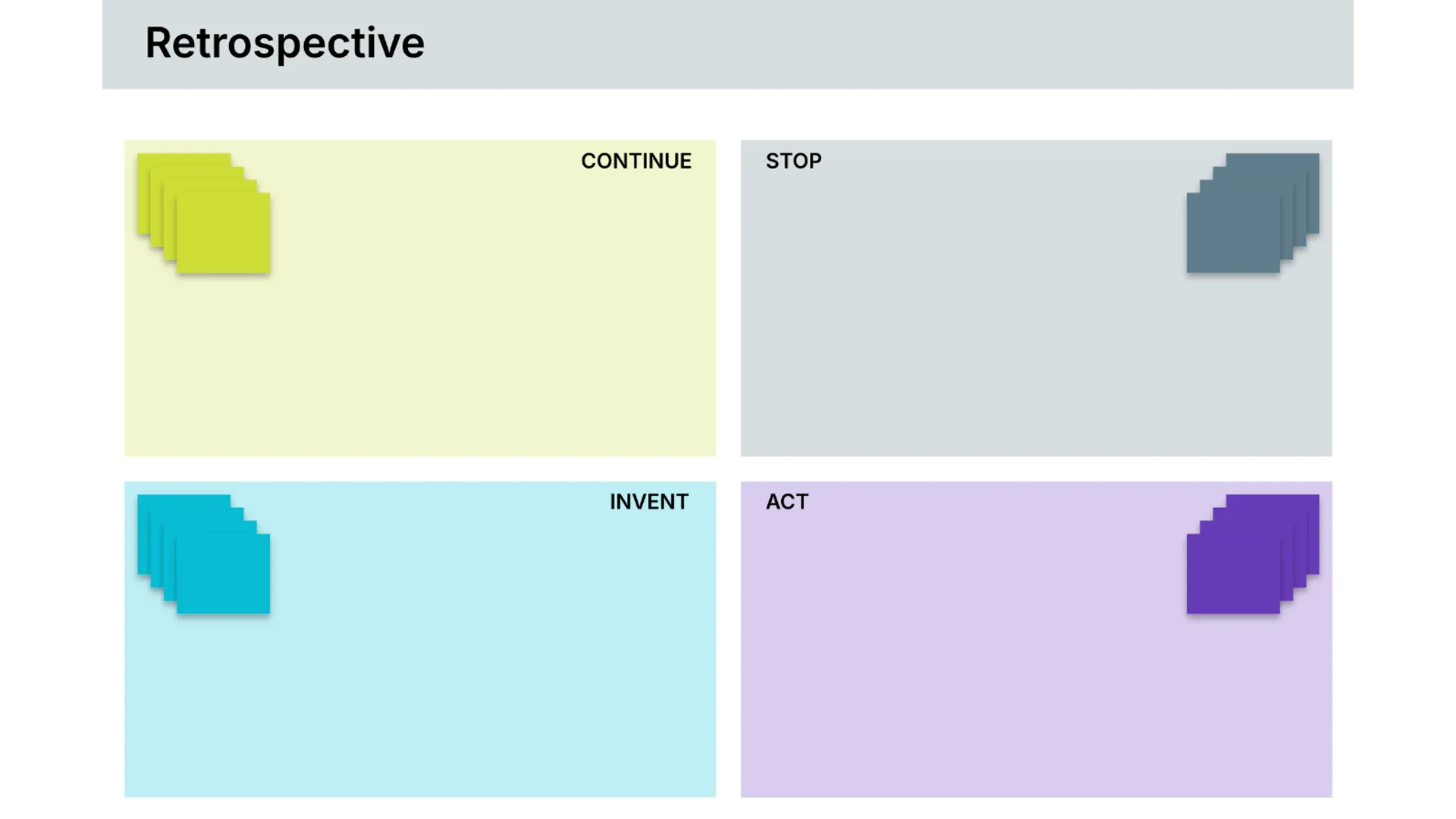
Retrospective: Continue, Stop, Invent, Act
Four-field retrospective: what to keep, what to stop, what to invent and which actions to take.
4-Step Retrospective
A minimal retrospective with four frames that guide your team from appreciation to concrete actions.
Want to share your own template?
Submit your board so others can use it.