
Halloween Retro
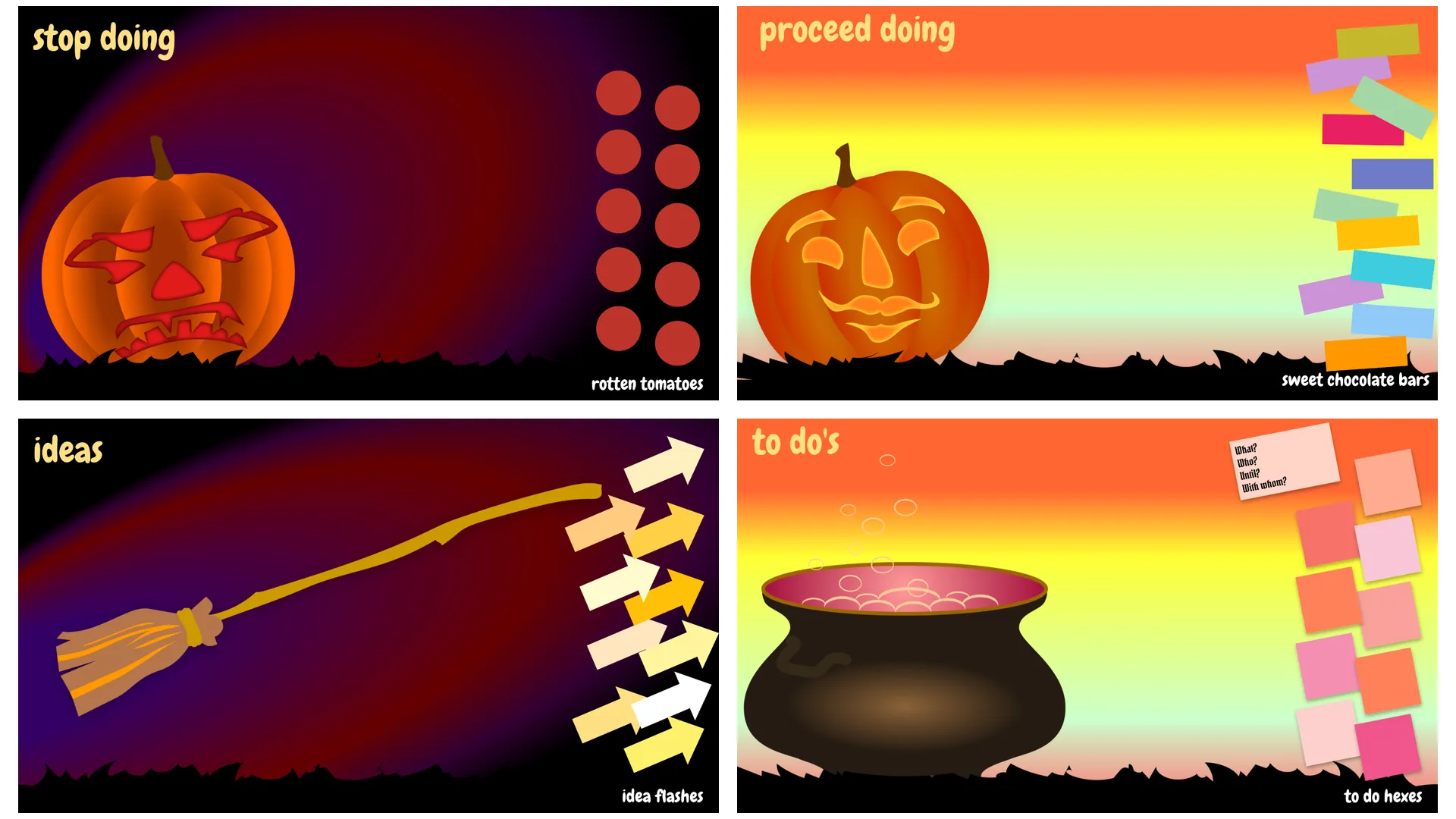
A spooky retrospective in four screens: rotten tomatoes for the grumpy pumpkin, sweet chocolate bars for the happy one, ideas flying off the witch’s broom and to-dos brewed in the cauldron.
Method description
At a glance
- Four screens, one per retro phase
- Card stacks: rotten tomatoes, chocolate bars, idea flashes, to do hexes
- Ends with to-dos: what, who, until when, with whom
🚀 Halloween Retro: How it works in 4 phases
🎯 Purpose: Look back on a sprint or project with a wink. Each phase has its own screen: from what should stop, to what works, to new ideas and finally to concrete to-dos.
1. Stop doing (10 min)
- Action: Everyone copies a rotten tomato, writes down what should stop and throws it at the grumpy pumpkin.
- Rule: One thought per tomato. Name habits, not people.
2. Proceed doing (10 min)
- Action: Sweet chocolate bars go to the happy pumpkin: what worked well and should continue?
3. Ideas (10 min)
- Action: Write new ideas on the idea flashes and let them fly off the witch’s broom.
- Rule: Collect first, judge later. Bold ideas are welcome.
4. To do’s (15 min)
- Action: Pick the most important tomatoes and ideas, e.g. by dot voting, and turn each into a to do hex in the cauldron: what, who, until when, with whom?
- Goal: 1–3 to-dos that are actually done before the next retro.
🛠️ Your role as facilitator
- Guide: Walk through the four screens in presentation mode; each frame is one phase.
- Spook master: Keep it playful without losing the serious topics.
- Follow-up: Start the next retro with a look at last time’s to do hexes.
Three steps to your board
Download
Save the template's .nwb file to your computer.
Import
Open a board in NeoBoard, choose "Import" and confirm the "Import content" dialog.
Get started
Adapt the template and work on it together – in real time or asynchronously.
Related templates
Kanban Board
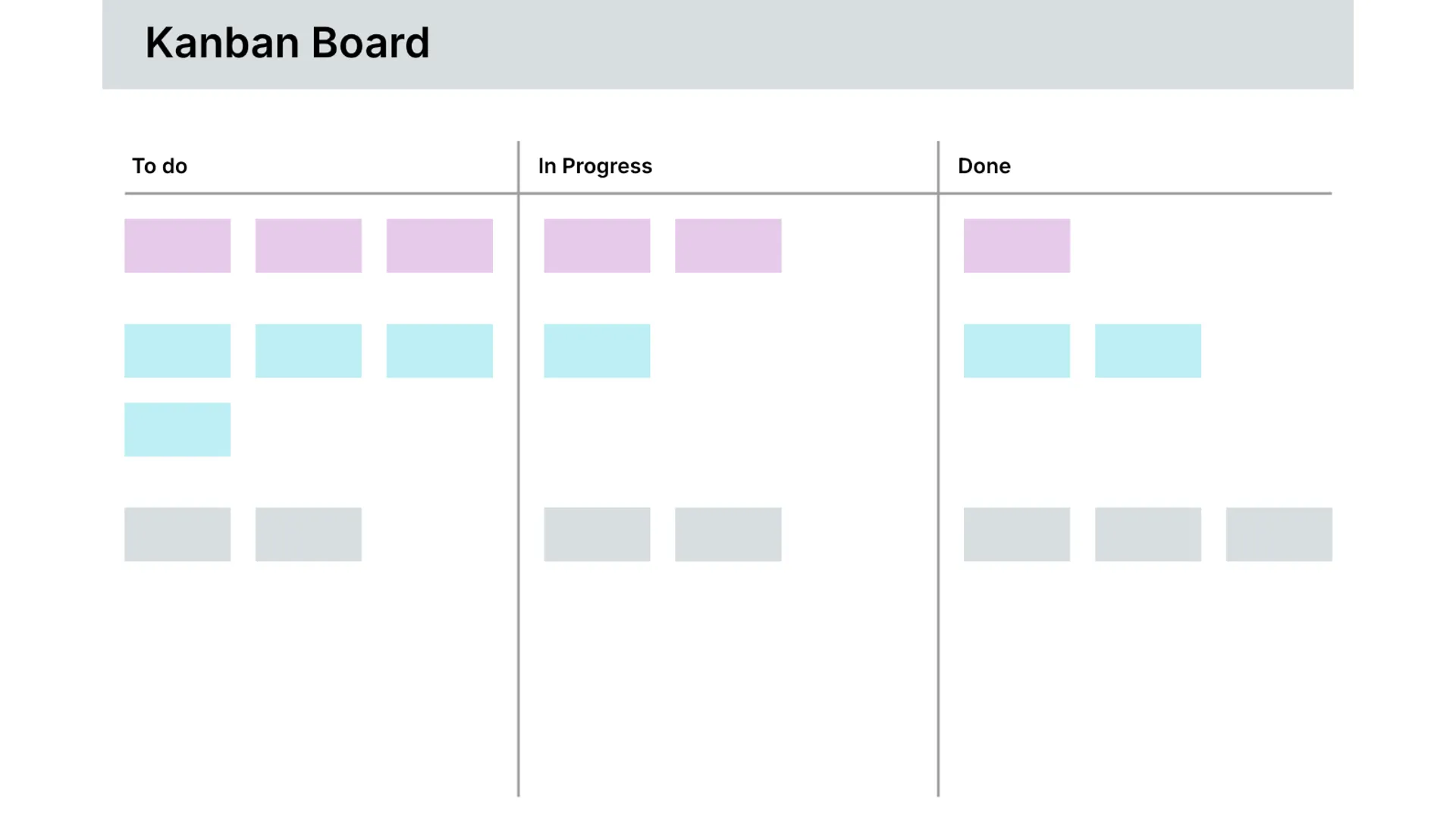
Classic Kanban board with To do, In Progress and Done to visualise work and keep the flow moving.
Retrospective: Continue, Stop, Invent, Act
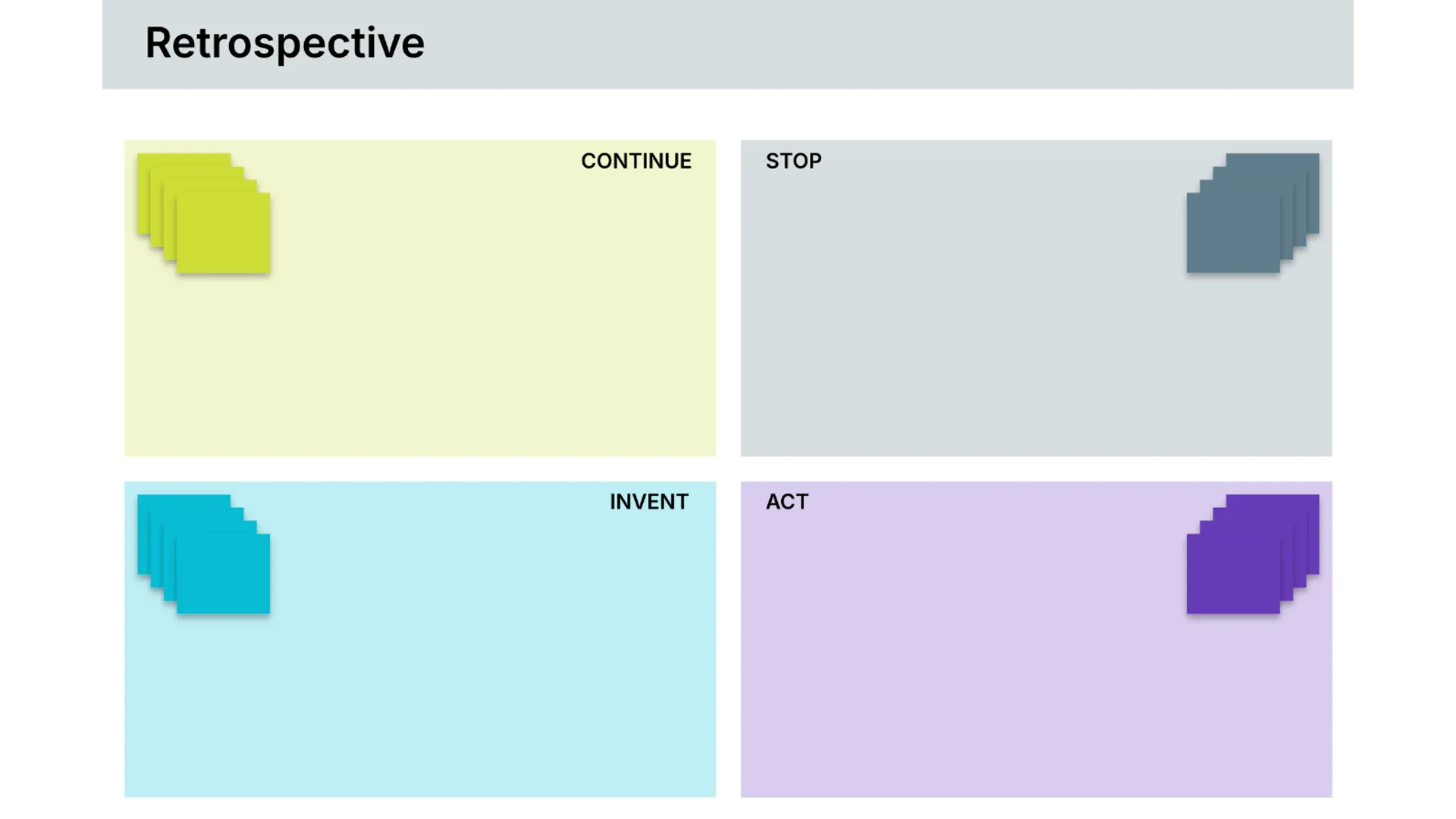
Four-field retrospective: what to keep, what to stop, what to invent and which actions to take.
4-Step Retrospective
A minimal retrospective with four frames that guide your team from appreciation to concrete actions.
Want to share your own template?
Submit your board so others can use it.